Everything lives in the Artifacts tab
Anthropic calls these "artifacts": anything Claude makes that you would put in front of someone. Each one opens beside your chat, and you, your team and Claude edit it together.
You start any of them the same two ways. Ask for one in a normal chat, or open the Artifacts tab in your Claude sidebar and pick a tile. Everything you make is saved in that tab.
| Tool | Who can use it |
|---|---|
| Docs, Slides, Design | Every plan, including Free. |
| Claude Data | Pro, Max, Ultra, Team and Enterprise. |
| Sheets, Whiteboards | In beta on Pro, Max, Ultra, Team and Enterprise. |
| Your apps in Claude | Rolling out on the web and the Claude desktop app, on all plans, where the app supports it. |
Talk through a messy plan. Claude lays it out.
A shared board for thinking through ideas with Claude. Talk, type or sketch, and Claude organises your ideas into diagrams, flows and groups.
Use it before you know what the final version should look like: planning a launch, laying out the options for a decision, or running a team review.
How to start
- In any chat, ask for one: "Start a whiteboard to plan our product launch."
- Or go to the Artifacts tab, select the tile labelled "Whiteboard", and describe what you want to work through.
- To talk instead of type, select the microphone next to the send button. Select it again or press Escape to stop, then send.
What to do on the board
When the thinking is done
Ask Claude to turn the board into a doc or deck, for example "Turn this board into a project plan." Use "Send to" to continue in Lucid or Miro, or click "Share", then "Export", and save it as a PNG.
Ask for a tracker. Get a working spreadsheet.
A spreadsheet built into Claude. Ask for a tracker, budget or model, and Claude builds a sheet that you, your team and Claude edit together.
Claude can add tabs, write formulas that work across tabs, apply formatting, and add drop-downs, checkboxes and charts. Formulas stay in the cells, so you can check how each number was worked out. Every change Claude makes is outlined as it lands, so you can see what it did.
How to start
- In any chat, ask for one: "Build a campaign tracker with owners, dates, and status."
- Or go to the Artifacts tab, select the "Sheets" tile, and describe the sheet you want, or start blank.
- Say what the sheet is for and what you want to track. If you already have the numbers, give them to Claude so it builds from your own data.
Working in it
Ask about your numbers. Get a dashboard.
Claude Data, previously called Claude Dashboards, turns questions about your company's data into dashboards, data stories, narrated short videos and written summaries.
Claude writes the query for each chart and runs it against your data. Each chart shows its query and when its data was last refreshed, so you can see exactly what it is counting.
How to start
- Connect your data first: a data warehouse, or another app you have connected to Claude, such as your CRM.
- In any chat, ask a question: "Build a dashboard of this quarter's revenue by region."
- Or go to the Artifacts tab, select "Data", and describe what you want to make.
To change anything, ask in the chat ("Add a filter for region"), or click a title, caption or chart and edit it yourself. Version history lets you restore an earlier version.
Docs, Slides and Design
These were already in Claude, and they are on every plan, including Free. With Whiteboards, Sheets and Data, Claude now covers most of what an office suite does.
Start any of them the same way: ask in a chat, or pick the tile in the Artifacts tab.
My read: how it compares
This is my comparison, not Anthropic's. Anthropic still works with Google and Microsoft: there is Claude for Excel, Word and PowerPoint, and Claude for Google Workspace.
| The job | Microsoft | Claude | |
|---|---|---|---|
| Documents | Docs | Word | Docs |
| Spreadsheets | Sheets | Excel | Sheets (beta) |
| Presentations | Slides | PowerPoint | Slides |
| Whiteboard | Separate tools | Whiteboards (beta) | |
| Dashboards | Separate tools | Data | |
The difference is how you work. In those apps you open the file and do the work yourself. In Claude you describe what you want, and it builds the first version for you to edit. And because Claude keeps the context, an idea can carry over from a whiteboard to a spreadsheet to a dashboard without you explaining it again.
Open your other tools beside the chat
Where a connector supports it, you can now open the full tool next to your conversation, or full screen, and ask Claude to make changes in it with you.
Claude can change a page, row or file you have open, and you approve its actions the same way you approve a connector's actions. The changes appear in the tool as Claude makes them.
How to start
- Connect the tool from the Claude directory.
- Open it from your chat, or pin it to your sidebar for one-click access.
This is rolling out on the web and in the Claude desktop app on all plans, as part of the new Claude experience. You'll see it once your account is updated or your organisation turns it on.
Claude Meetings
Anthropic says Claude Meetings is coming soon. It will let you add Claude to a call to take notes and update the documents your team is working on during the conversation.
No date, plans or setup steps have been published yet.
Copy, paste, adjust
Each prompt matches a tool above. Paste it into a chat and swap in your own details.
Start a whiteboard to plan our [product or offer] launch. Group the work into stages, put the steps in order, and add an owner and a date to each step. Then tell me what's missing between the steps.
Put the options for this decision on a whiteboard, with the trade-offs of each: [describe the decision and the options].
Turn this board into a project plan.
Build a campaign tracker with owners, dates, and status. Add a column for budget remaining and highlight anything that's overdue.
Make a hiring budget by team and quarter. Use these numbers: [paste your numbers].
Build a dashboard of this quarter's revenue by region. Use [name of your table or connected app].
Turn this quarter's revenue numbers into a data story.
Draft this week's status report from my notes and last week's numbers: [paste your notes].
Turn the attached strategy memo into a 10-slide deck for Thursday's leadership review.
Several of these prompts are Anthropic's own examples from its help pages, lightly adjusted.
Muhammad Asmal
Muhammad Asmal is an AI business growth strategist and the founder of Asmal Digital and AI Lead Builder. He helps business owners put AI to work in practical ways, drawing on more than 13 years of digital marketing agency experience. He has delivered in-person AI workshops across the US, South Africa and Dubai, and his AI education content has passed 10 million views across TikTok and Instagram.
Build with a community behind you.
Join the AI Lead Builder community for practical support putting AI to work in your business.
Your membership brings together weekly coaching with Muhammad, training and call replays, business software, and the Agency OS plugin.
Learn and get help
Weekly coaching, training, and a community of business owners.
Build and put it to use
Agency OS plus software for your CRM, funnels, and follow-up.
Hear it from members, on camera
Straight from the community chat
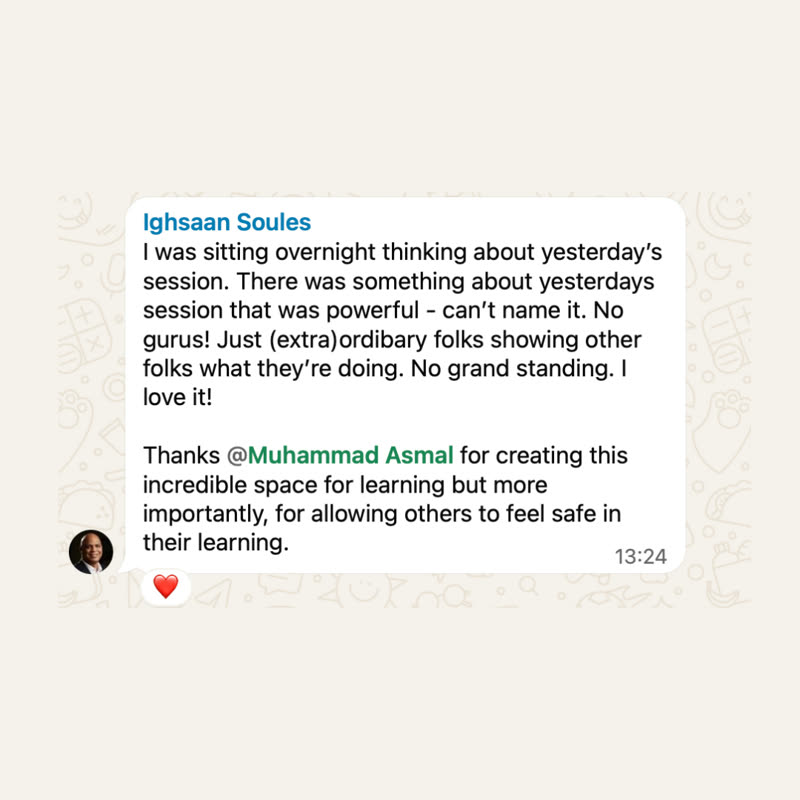
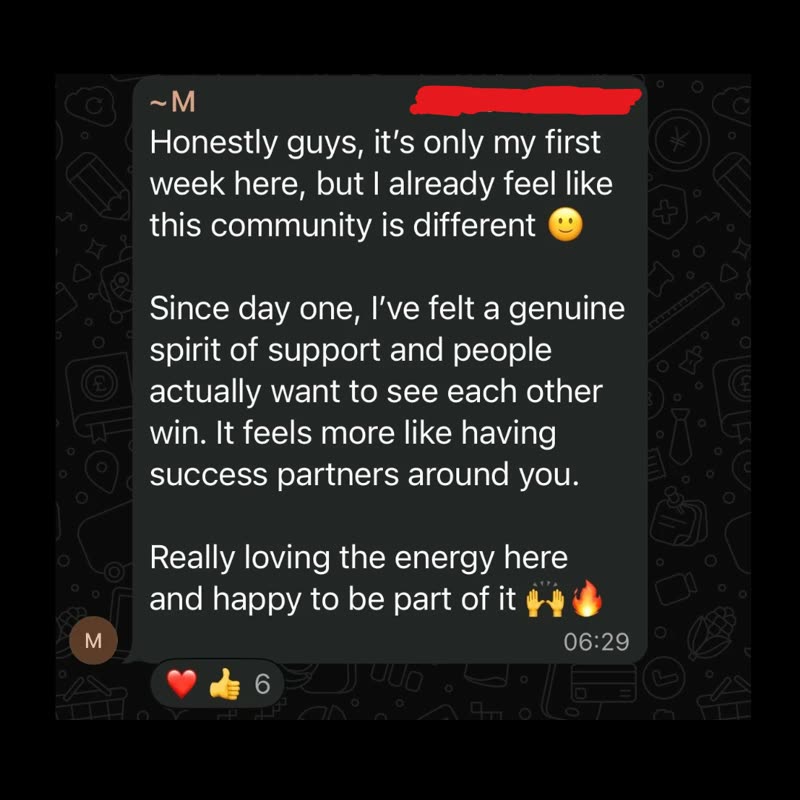
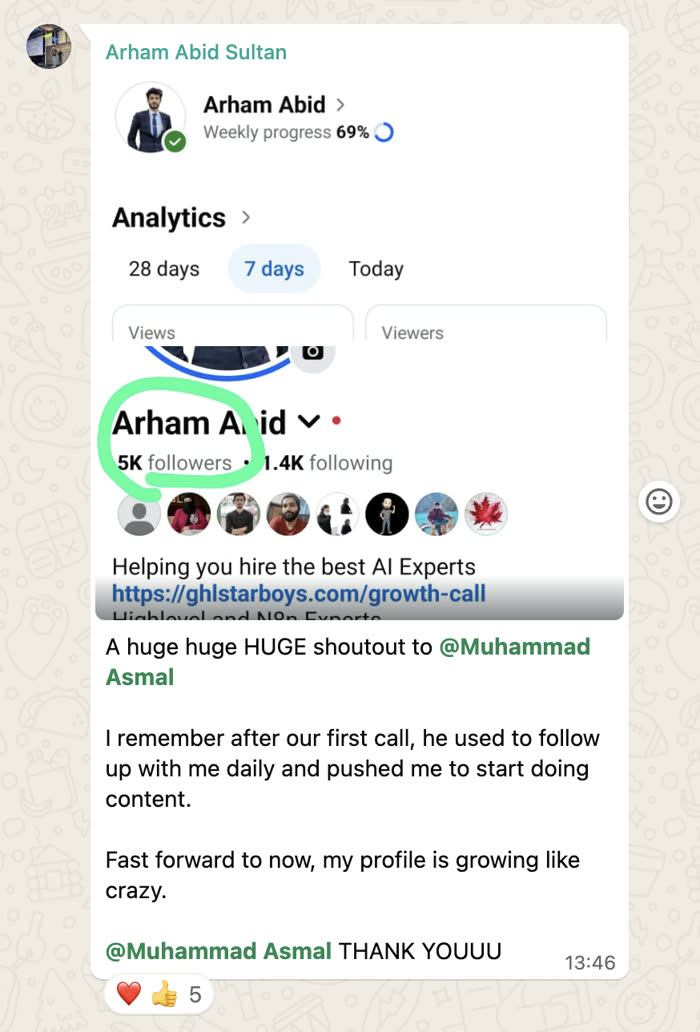
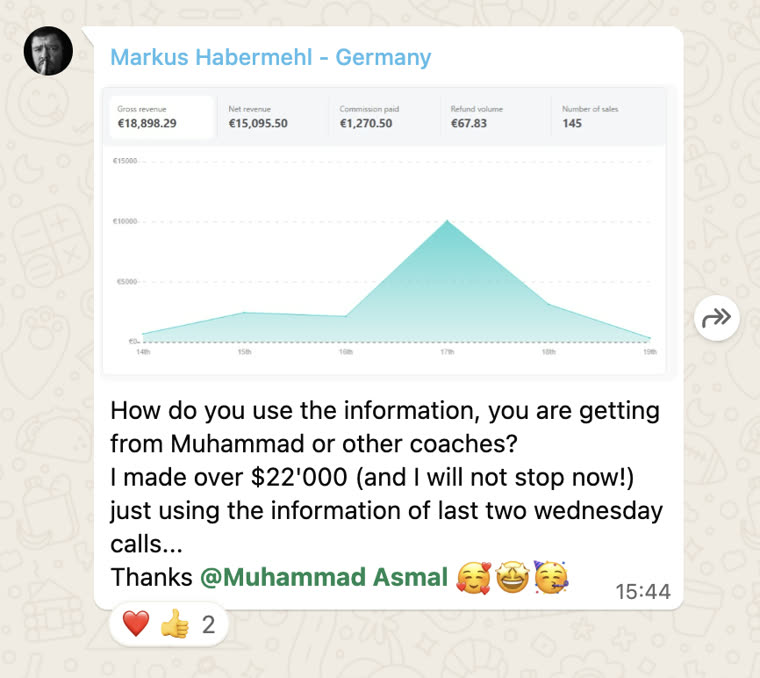
Shared with each member's permission. Individual results vary.
Cancel anytime.
Join AI Lead BuilderSee the membership details and current offer on the next page.